
Introduction
Experiencing fluctuations in your phone’s volume can be incredibly frustrating, especially when you miss vital notifications or calls. When your phone volume keeps going down for seemingly no reason, rest assured you are not experiencing this alone. This common issue affects users in various scenarios whether they are in the middle of listening to their favorite tunes, on an important phone call, or busy watching videos. In this guide, we’ll explore the usual suspects behind this problem and the strategies you can employ to maintain the desired audio levels on your device.
Understanding the potential causes and applying the right corrective measures will allow you to regain control over your device’s audio functionality, ensuring you don’t miss important auditory cues again.
Common Causes of Phone Volume Decrease
Before delving into solutions, it’s essential to understand what might be causing your phone’s volume to decrease unexpectedly. Here are the frequent culprits:
-
Software Glitches: A minor software bug might be interfering with audio processes, triggering abrupt changes in volume.
-
Incorrect Settings: Applications like Do Not Disturb or Volume Limit settings may reduce the volume unintentionally.
-
App Permissions: Certain applications could have rights to control your phone’s volume, leading to unsolicited adjustments.
-
Hardware Malfunctions: Problems such as a malfunctioning volume button or defective internal components might also be at play.
Being aware of these causes is the first step toward efficiently resolving the issue. Our next objective will be to apply solutions that can rectify your phone’s fluctuating volume.
Quick Fixes for Volume Issues
Addressing volume issues can be straightforward if you approach the problem methodically. Consider starting with these quick troubleshooting steps:
-
Restart Your Phone: A straightforward restart can refresh the device’s RAM and eliminate any temporary bugs affecting audio performance.
-
Check Volume Buttons: Ensure that the volume buttons are operational and not physically stuck. Verify their effectiveness by pressing down on them.
-
Review Audio Settings: Visit the audio settings menu to confirm there are no limits or controls like Volume Limit inadvertently reducing volume.
-
Disable Do Not Disturb: Verify that the Do Not Disturb mode is turned off, as it might be minimizing notification volumes.
-
Close Background Apps: Terminate any unnecessary apps running in the background that may be interfering with your phone’s sound settings.
If these quick fixes do not address the volume problem, more detailed troubleshooting steps may be required involving both software and hardware assessments.
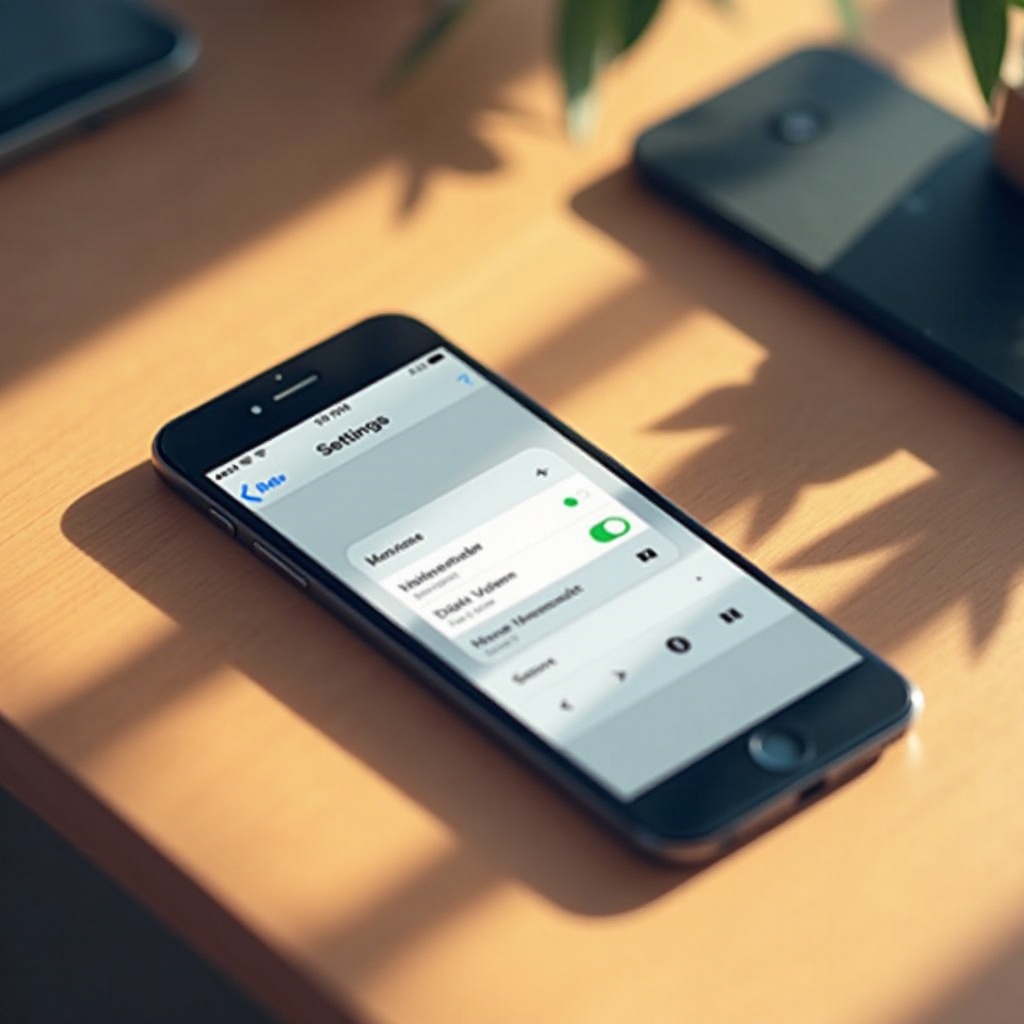
Software-Related Solutions
Should the initial fixes fail, software-related interventions could be the next effective steps to resolve the issue:
-
Update Software: Verify that your phone is updated to the latest software version since these updates often rectify known software bugs.
-
Reset App Preferences: Resetting app preferences might clear permissions set for apps that are inappropriately controlling volume settings.
-
Safe Mode Operation: Boot your phone into safe mode to check if third-party applications are interfering with volume levels. If volume functions correctly in safe mode, gradually uninstall recent applications until identifying the cause.
By investigating these software components, you can potentially find solutions and prevent further disruptions.
Hardware-Related Checks
If software solutions do not resolve the volume problem, a closer review of the hardware components becomes necessary:
-
Inspect External Components: Check the phone’s volume buttons and headphone jack for any signs of wear or obstruction, addressing any issues found with repairs or cleaning.
-
Ensure Speaker and Microphone Functionality: Debris or dust obstructing the speaker and microphone can result in low volume output. Regular maintenance can alleviate this issue.
-
Consult a Technician: If the hardware appears flawed, especially concerns with the volume button or internal components, professional assistance may be required for repairs.
Validating your phone’s hardware condition can help bypass continued frustration and restore proper audio functionality.
Advanced Troubleshooting Steps
For persistent issues, advanced troubleshooting may be necessary. Here are further measures to consider:
-
Factory Reset: As a last strategy, a factory reset could eliminate entrenched software malfunctions. Be sure to backup your personal data before proceeding.
-
Replacement Parts: In severe situations, replacing faulty parts such as the volume button or speaker might be necessary to resolve hardware failures.
Applying these detailed steps may serve as comprehensive solutions when all else fails, ensuring your phone’s volume controls operate optimally.
Conclusion
Understanding why your phone volume keeps decreasing doesn’t have to be perplexing. With the right knowledge and a step-by-step approach to troubleshooting, resolving these issues becomes manageable. From recognizing the potential causes and attempting initial quick fixes, to exploring both software and hardware solutions, you can effectively address persistent volume problems. While software updates or minor tweaks can resolve many glitches, some issues could necessitate a deeper examination of hardware elements. Professional assistance can also prove invaluable for complex problems.
Frequently Asked Questions
Why does my phone volume automatically decrease?
Automatic volume decrease could be a result of software glitches, app permissions mismanagement, or incorrect audio settings. Checking these can often remedy the issue.
How do I stop my phone volume from going down by itself?
Begin with simple solutions like restarting your phone and verifying volume button functionality. If issues persist, consider updating your device software or resetting app preferences.
Could a hardware issue cause the phone volume to keep going down?
Yes, hardware issues including malfunctioning volume buttons or blocked speakers can affect volume. Inspect your phone for any physical damage and consult with a technician if necessary.