
Introduction
Selecting the right workstation CPU is crucial for maximizing productivity and efficiency. As technology evolves, 2024 offers exciting new options for professionals seeking advanced computing power. This guide will delve into essential factors to consider, top CPU choices, and how they perform in real-world scenarios. Whether you are involved in video editing, 3D rendering, or managing massive datasets, the right CPU can significantly impact your workflow.
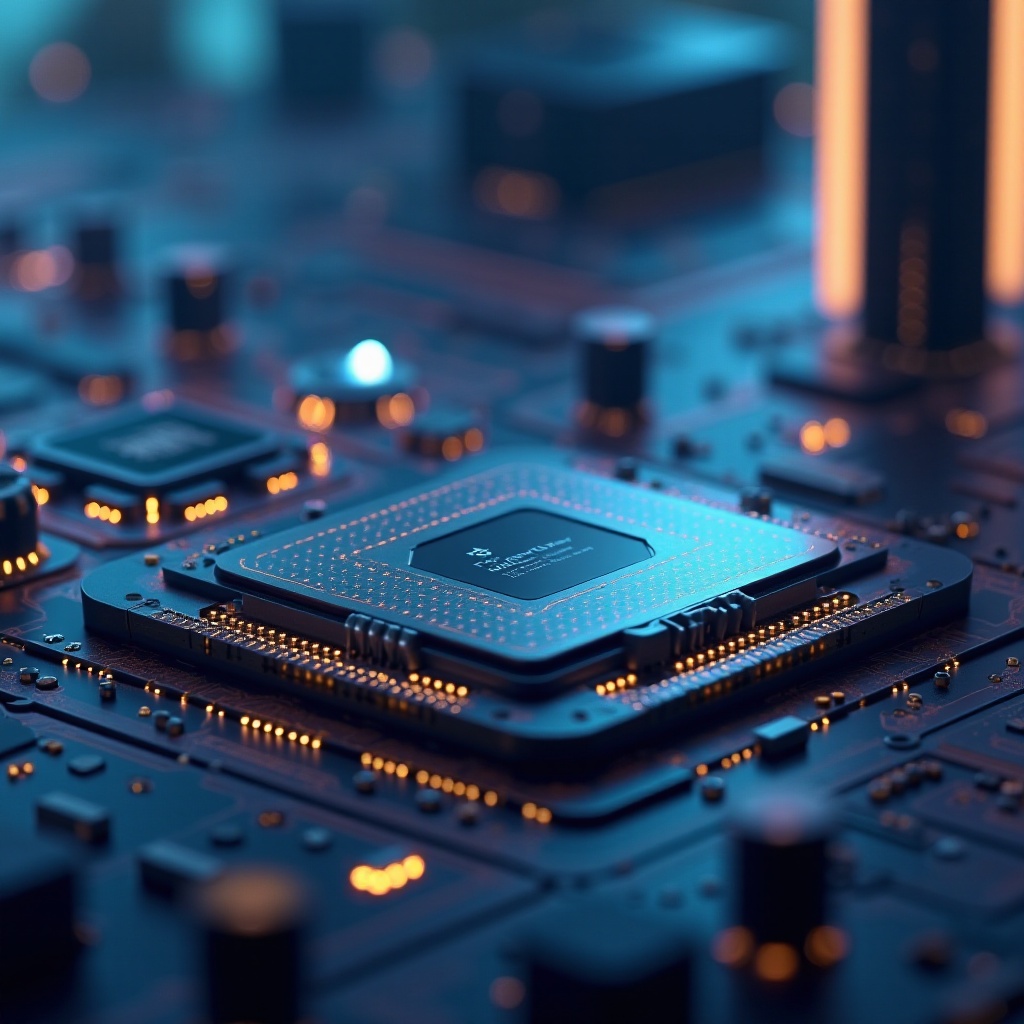
Understanding Workstation CPUs
Workstation CPUs are tailored for rigorous tasks, demanding more robust computing capabilities than regular consumer CPUs. These processors are built for professionals such as architects, engineers, and data scientists who need reliable performance. Understanding these attributes allows you to make an informed choice when selecting the processor that meets your specific needs.
Workstation CPUs typically feature higher core counts and threading capabilities to handle multiple processes simultaneously. They include advanced instruction sets and support for error-correcting code (ECC) memory, which ensures precision and reliability for mission-critical applications. Moreover, these CPUs are designed to deliver consistent performance under extended, heavy workloads.
This understanding of workstation CPUs naturally leads to considering specific features that can guide your choice when making a selection.
Key Features to Consider When Choosing a Workstation CPU
When deciding on a workstation CPU, several key features should guide your choice:
-
Core Count and Multithreading: High core counts and support for multithreading are essential as they allow the CPU to efficiently handle complex applications like video editing and 3D modeling.
-
Clock Speed and IPC (Instructions Per Cycle): A higher clock speed allows the CPU to execute more cycles per second, and with a superior IPC, it processes more instructions, thus boosting overall performance.
-
Compatibility with Motherboards and RAM: Make sure that the CPU is compatible with your existing or planned motherboard and RAM, as this compatibility ensures seamless installation and optimal performance.
Focusing on these features when selecting a CPU will significantly elevate your workstation’s performance, thereby enhancing your professional productivity and computational capabilities. With these considerations in mind, let’s explore the leading CPU models for 2024.
Top Workstation CPUs of 2024
The 2024 lineup of workstation CPUs showcases remarkable advancements in both power and efficiency. Here are the top contenders:
-
AMD Ryzen Threadripper Pro 7995WX: Known for its outstanding core count and exceptional multithreading capabilities, this CPU is a powerhouse for demanding tasks. It’s ideal for professionals who require high-level graphic processing and intensive video editing.
-
Intel Xeon W-2495X: Intel continues to uphold its reputation for reliability with this CPU, offering top-tier performance and ECC support for critical data integrity. It’s a preferred choice in industries where stability and precision are paramount.
-
AMD EPYC 9754: This processor is renowned for its scalability and efficiency, making it ideal for server environments and projects that demand high data throughput.
Each of these processors offers unique strengths tailored to various professional applications, ensuring no compromise on power, stability, or efficiency. Understanding their performance in real-world settings is crucial, which brings us to the next topic—benchmarking.

Performance Benchmarks and Comparisons
To gain insights into how these CPUs perform in the real world, we look at performance benchmarks. These benchmarks reveal how effectively each processor handles multitasking, rendering, and computational workloads.
-
Real-world Workstation Tasks: In rendering, data analysis, and virtualization scenarios, AMD and Intel CPUs perform impressively. The Threadripper provides superior thread efficiency, while the Xeon maintains exceptional stability during sustained workloads.
-
Comparative Analysis with Previous Models: Compared to their predecessors, the 2024 models demonstrate notable advancements in clock speed and energy efficiency. Threadripper and EPYC processors show enhanced core counts, while Intel’s latest Xeon features improved IPC, contributing to its superior performance.
These benchmarks highlight the technological advancements in 2024, ensuring a boost in performance and efficiency across professional environments. Yet, performance isn’t the only factor—cost also plays a crucial role in selecting the right CPU.

Pricing and Value for Money
The choice of the best workstation CPU also hinges on the value for money it offers. While high-end CPUs come with a substantial price, they provide outstanding performance levels and future-proofing for intensive professional tasks.
Finding a balance between budget considerations and performance needs is essential. Investing in a quality CPU can significantly boost productivity and shorten processing times, effectively making up for the initial expenditure over time. In conclusion, the right choice balances cost, compatibility, and performance to match your workflow needs.
Conclusion
Choosing the best workstation CPU requires a careful balance of performance, cost, and compatibility with your existing or planned components. The 2024 models offer significant advancements in processing power, efficiency, and multitasking capabilities. Whether you opt for AMD’s power-packed Threadripper, Intel’s reliable Xeon, or AMD’s scalable EPYC, each choice provides distinct advantages according to your professional demands. This comprehensive guide should help you make an informed decision to optimize your setup for the work you do.
Frequently Asked Questions
What is the difference between a workstation CPU and a regular CPU?
Workstation CPUs are designed for heavy-duty tasks with higher core counts, multithreading, and ECC memory support. They offer greater stability and efficiency compared to regular consumer CPUs.
Is it worth upgrading to a 2024 model for my workstation?
If your work involves complex and resource-intensive tasks, upgrading to a 2024 model can significantly enhance system performance and productivity.
How does thermal management affect workstation CPUs?
Effective thermal management ensures a CPU operates at optimal efficiency, preventing thermal throttling that can reduce performance. Investing in quality cooling solutions enhances CPU longevity and reliability.