
Introduction
Finding the perfect laptop to play Sims 4 without spending a fortune is a common quest for gamers. Whether you’re a dedicated Sims enthusiast or just enjoy casual play, having a laptop that can handle the game’s demands while staying within budget will significantly enhance your experience. This article explores some of the best affordable laptops that reliably run Sims 4, ensuring you get performance and quality without breaking the bank.

Understanding Sims 4 System Requirements
Before diving into laptop options, it’s essential to understand the system requirements for Sims 4. The game demands certain minimum and recommended specifications for smooth operation. The minimum specs include a 64-bit OS, an Intel Core 2 Duo or equivalent processor, 4GB of RAM, and an NVIDIA GeForce 6600 or better graphics card. For a smoother, more enjoyable experience, it’s best if the laptop meets or exceeds the recommended specs: an Intel Core i5 or faster processor, 8GB of RAM, and a dedicated graphics card such as the NVIDIA GTX 650.
Understanding these requirements helps you choose a laptop that can run Sims 4 efficiently and deliver an immersive gaming experience. With this groundwork laid, let’s explore the laptops that meet these criteria without stretching your budget.
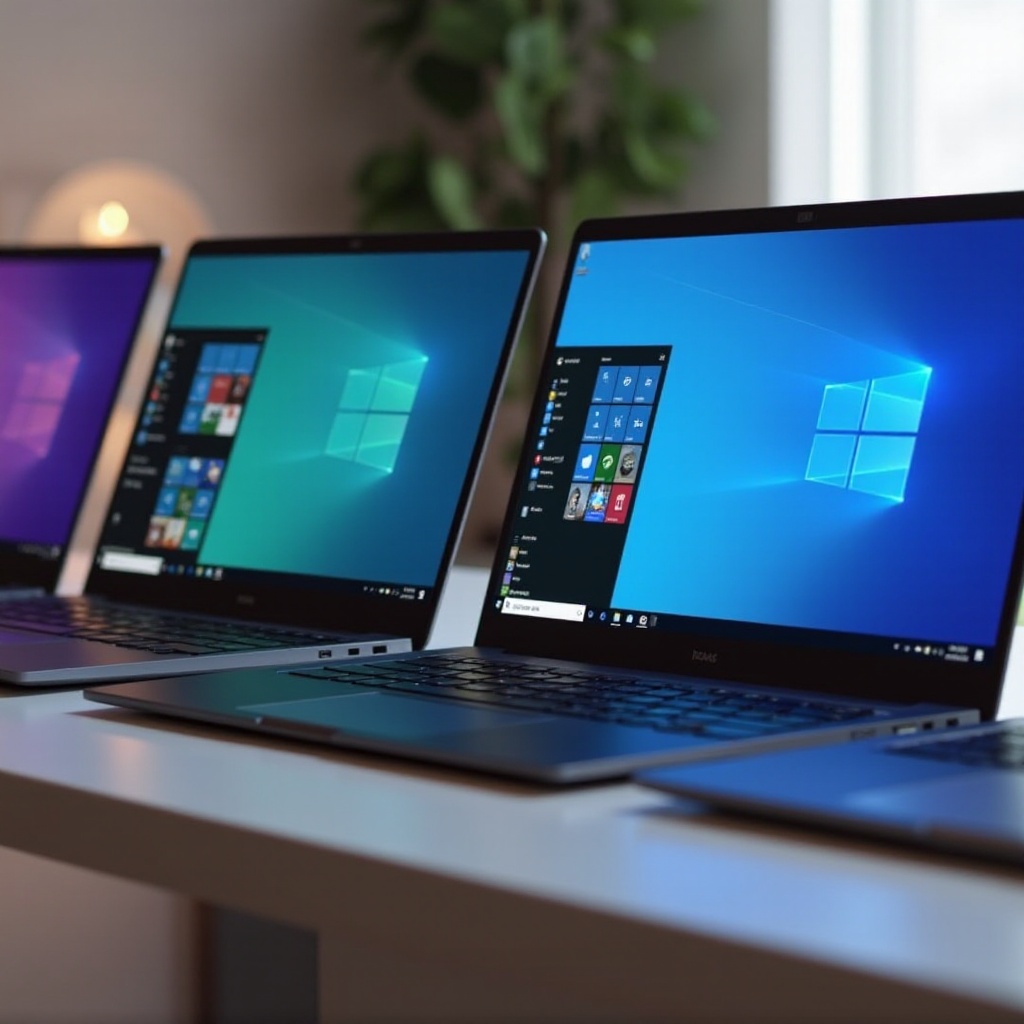
Top Cheap Laptops for Running Sims 4 in 2024
To effectively run Sims 4, consider these budget-friendly laptops:
-
Acer Aspire 5: Known for its robust performance at a great price, the Acer Aspire 5 features an AMD Ryzen 3 processor, 8GB of RAM, and an integrated graphics card capable of handling Sims 4 smoothly. This laptop is a great value choice for those balancing performance with cost.
-
Lenovo IdeaPad L340: Renowned for its durability and reliable performance, the Lenovo IdeaPad L340 comes with an Intel i5 processor and 8GB of RAM. Its dedicated NVIDIA GTX 1050 graphics card ensures seamless gameplay, even with higher settings, making it ideal for budget-conscious gamers.
-
ASUS VivoBook 15: Ideal for gaming on the go, this lightweight, sleek laptop is equipped with an Intel i3 processor and 8GB of RAM, providing enough power to run Sims 4 smoothly. Its affordability is complemented by excellent battery life and an impressive display, enhancing the gaming experience.
-
HP Pavilion Gaming Laptop: A slightly higher-end option, the HP Pavilion Gaming Laptop offers performance rivaling more expensive models. It boasts an AMD Ryzen 5 processor, 8GB of RAM, and a GTX 1650 graphics card, enabling high-quality graphics and smooth gameplay, perfect for Sims 4 fans.
-
Dell Inspiron 15 3000: For those seeking an entry-level gaming experience, the Dell Inspiron 15 3000 with an Intel i5 processor and 8GB of RAM is capable of handling Sims 4 efficiently with its integrated Intel UHD graphics. This laptop is both practical and reliable for daily tasks and gaming.
Choosing any of these laptops ensures a satisfying Sims 4 experience, each providing unique strengths tailored to different preferences.
Key Factors to Consider When Choosing a Budget Laptop for Sims 4
When selecting a suitable laptop, it’s crucial to consider factors beyond just the price:
- Graphics Capabilities: Ensure the laptop can handle the game’s graphics demands, whether through integrated or dedicated graphics cards. Dedicated graphics typically result in better visuals and performance.
- Processor and RAM: A balance between processor speed and RAM capacity is vital. A fast processor combined with at least 8GB of RAM is ideal for smoother gameplay, especially when playing with add-ons or mods.
- Storage and Upgrade Potential: Look for laptops with adequate storage options and potential for future upgrades. Solid-state drives (SSDs) provide quicker access to data and reduce load times, enhancing gaming performance. Opt for models that allow easy upgrades to RAM and storage.
Knowing what to prioritize in a laptop helps narrow down choices and aligns your purchase with your gaming and everyday computing needs.

Tips to Enhance Gaming Performance on Budget Laptops
To get the best performance from your budget laptop, consider the following tips:
- Upgrade RAM where possible, as more memory can improve multitasking and gaming performance significantly.
- Ensure your laptop remains cool by using external cooling pads, which help maintain performance by preventing overheating.
- Regularly update drivers and software to maintain compatibility and ensure efficient operation.
- Adjust in-game settings to find a balance between performance and visual quality; lowering settings can reduce lag and maintain smoother gameplay.
These steps can enhance your Sims 4 experience further without necessitating a new purchase.
Conclusion
Selecting an affordable laptop that meets the requirements of Sims 4 involves balancing specifications and budgetary concerns. The laptops discussed above are excellent options catering to different user needs, ensuring you enjoy gaming sessions without breaking the bank. By understanding system requirements and optimizing performance, you can make informed decisions that maximize both your gaming satisfaction and budget.
Frequently Asked Questions
Can I play Sims 4 on a laptop with integrated graphics?
Yes, Sims 4 can run on laptops with integrated graphics, but performance will vary. For improved visuals, dedicated graphics are recommended.
Is 8GB RAM enough for running Sims 4 smoothly?
8GB RAM is generally sufficient for running Sims 4, even with expansions and mods, but additional RAM can enhance multitasking and performance.
How can I improve my laptop’s performance for gaming?
Improve performance by upgrading RAM, using cooling pads, updating drivers, and adjusting in-game settings to optimize for performance.