
Introduction
Removing a Ring camera from your smart home doesn’t have to be complicated. Whether you’re upgrading, moving, or addressing privacy concerns, understanding the removal process is key. This guide will walk you through each step—from physical detachment to digital disconnection—ensuring a seamless experience.
Why You Might Want to Remove a Ring Camera
There are several reasons you might decide to remove your Ring camera. Upgrading to a more advanced model is a common motivator. Alternatively, you might be relocating and plan to set up a new security system at your new place. Privacy concerns or the need to free up space on your network could also drive your decision. Regardless of your reason, understanding the process ensures both safety and efficiency.
Preparation Before Removal
Before you begin, it’s essential to prepare adequately. Preparation involves gathering necessary tools and taking safety precautions to facilitate a smooth process.
- Gathering Necessary Tools: Ensure you have a screwdriver, the Ring app on your smartphone, and access to your Wi-Fi network.
- Safety Precautions: Power off the camera and unplug any power sources to avoid electrical hazards. Wearing gloves can protect your hands during removal.
Proper preparation minimizes risks and facilitates a seamless removal process.
Step-by-Step Guide to Physically Remove a Ring Camera
With preparation complete, proceed to the physical removal of the Ring camera with the following steps:
- Unplugging and Powering Down: Ensure the camera is powered down completely. For hardwired models, shut off the power at the breaker.
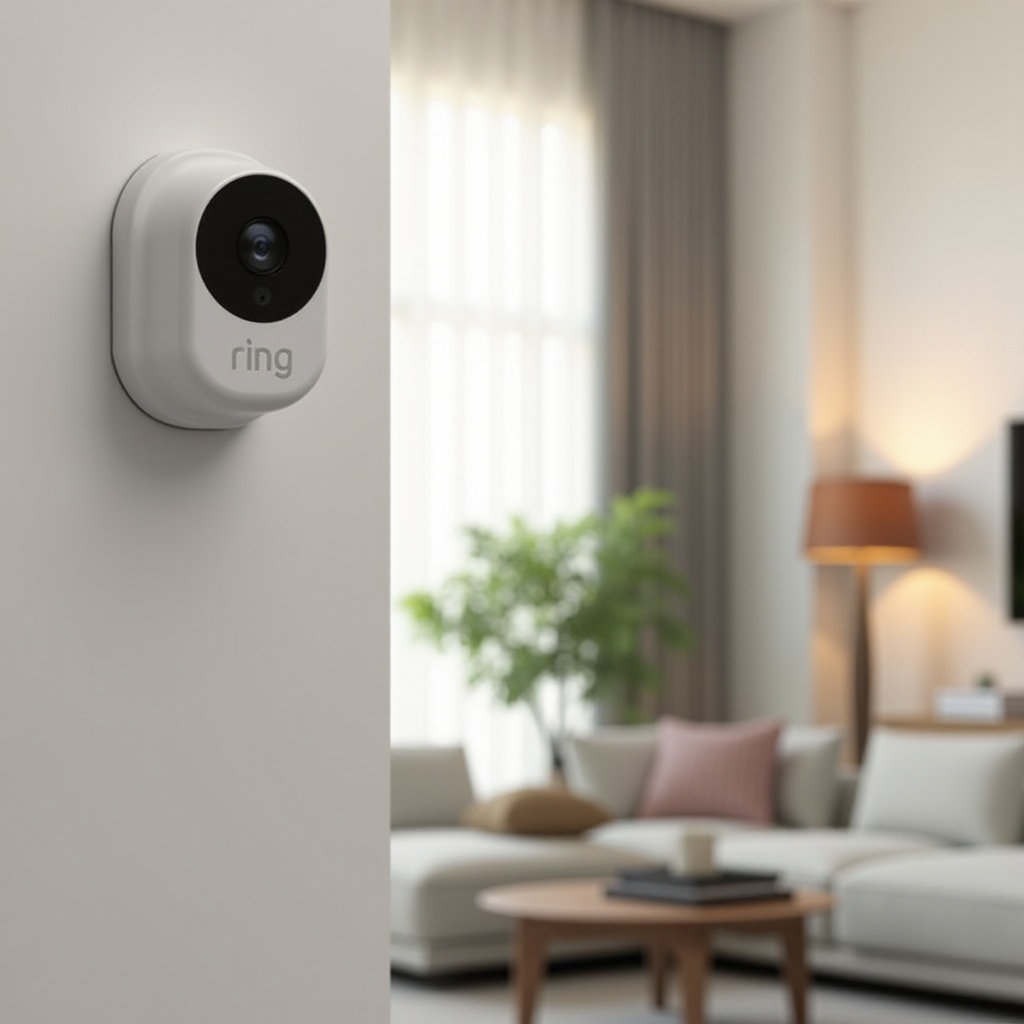
- Detaching from Mounts or Brackets: Use a screwdriver to loosen screws securing the mount. Gently lift the camera to avoid damage to the mount, which may be reused.
- Handling Wiring and Connections: If your camera is wired, disconnect cables gently to prevent damage to connectors. For wireless models, simply remove the device from its holder.
Following these steps ensures a damage-free removal, preserving the integrity of both the camera and its mount.
How to Remove the Ring Camera from Your Smart Home Network
After physical removal, disconnecting the camera from your network ensures complete detachment.
- Accessing and Navigating the Ring App: Open the Ring app and navigate to the device settings of the camera you are removing.
- Disconnecting from Wi-Fi and Linked Services: Select the option to remove or delete the device in the settings. Confirm any prompts to ensure the camera is fully disconnected from your Wi-Fi and any linked services.
This step is crucial to prevent unauthorized access and manage network traffic effectively.
Troubleshooting Common Issues
Occasionally, issues can arise during the removal process. Here are common problems and their solutions:
- Resolving Connectivity Problems: If the camera still appears active in the app, restart the app or your phone and attempt removal again. Ensure your app is up-to-date.
- Addressing Software Issues: For persistent issues, consult Ring’s customer support or online resources for solutions to software-related problems.
By troubleshooting, you ensure a thorough removal process without lingering issues.
Post-Removal Considerations
After the successful removal of your Ring camera, consider the following actions:
- Recycling or Selling the Device: Consider recycling old components responsibly or reselling the camera. Ensure personal data is wiped clean.
- Data Privacy Considerations: Disconnect the camera from any cloud accounts for privacy. Regularly update security settings for remaining devices.
These considerations help maintain your security and streamline transitions to newer devices.
Conclusion
Removing a Ring camera is straightforward if you follow the proper steps. Preparation, careful physical and digital removal, and thoughtful post-removal actions ensure your home remains secure while keeping your technology up-to-date.
Frequently Asked Questions
Can I reinstall the Ring camera after removing it?
Yes, you can reinstall the Ring camera later. Keep the original mount or bracket for reinstallation ease. Ensure the device is fully reset before setting it up again.
What should I do if the Ring camera is still showing up in the app after removal?
Restart the app or your device and try removing the camera again. If the issue persists, consult the troubleshooting section in this guide or contact Ring support.
How can I ensure my data is deleted from the Ring cloud?
Access your Ring account settings to delete stored data. Follow Ring’s instructions to ensure complete removal of your personal data for privacy protection.